




Optional MAPCON modules
CMMS Maintenance Module | Tailored Software Solutions
Extend MAPCON CMMS with optional modules that support the specific maintenance processes, business systems, and operational priorities of your organization.
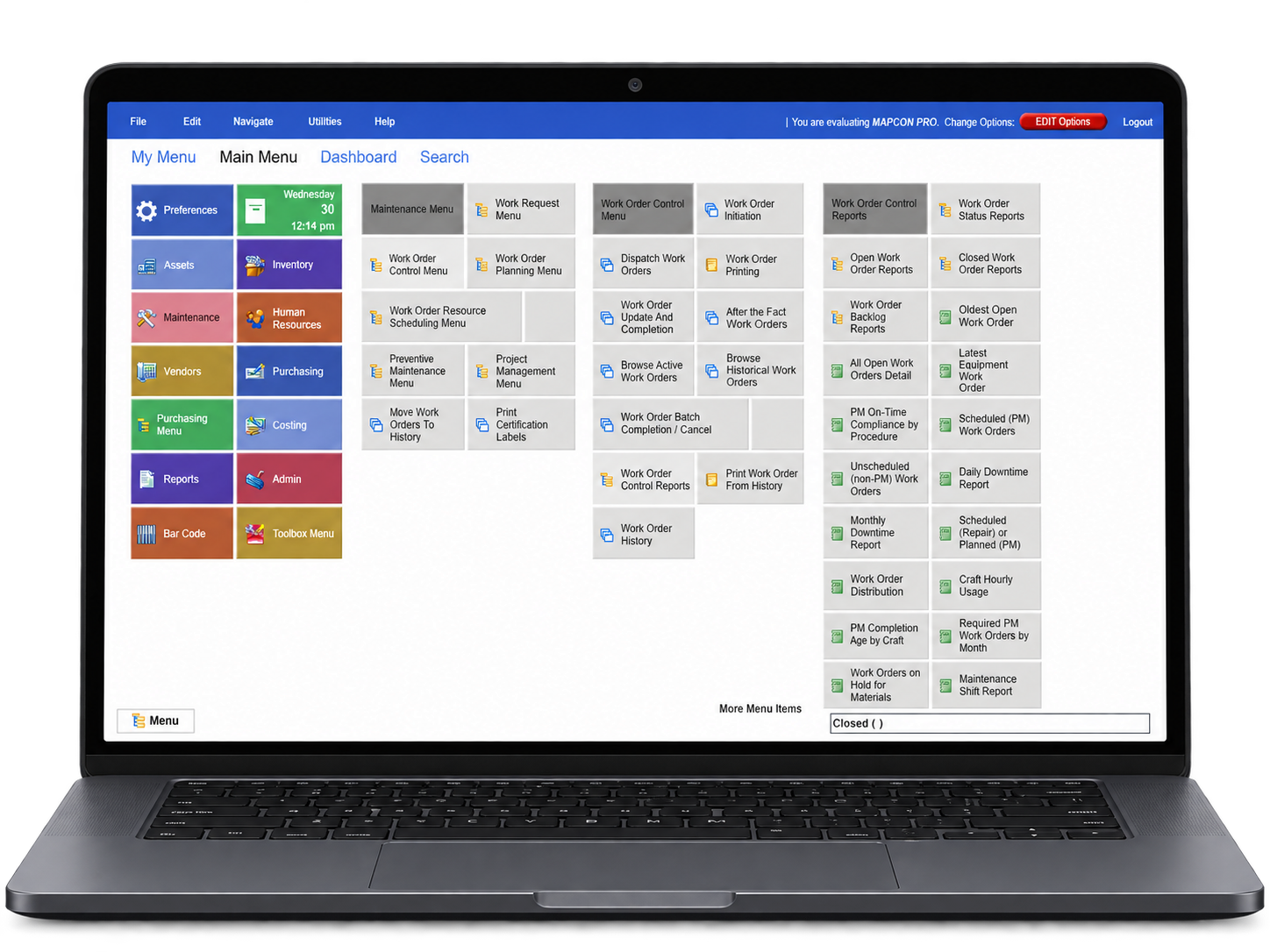
Designed for different operations
Build around the way your organization works
MAPCON Advanced Modules add capabilities to your CMMS toolbox. Advanced Modules are optional and not required for most types of maintenance management procedures.
No organization is the same as the next. Every operation employs different business processes, has a unique business culture, and may prefer its own tried-and-true method to obtain the best return on investment. That is why MAPCON offers optional features that target specific needs and preferences for maintenance administrators.
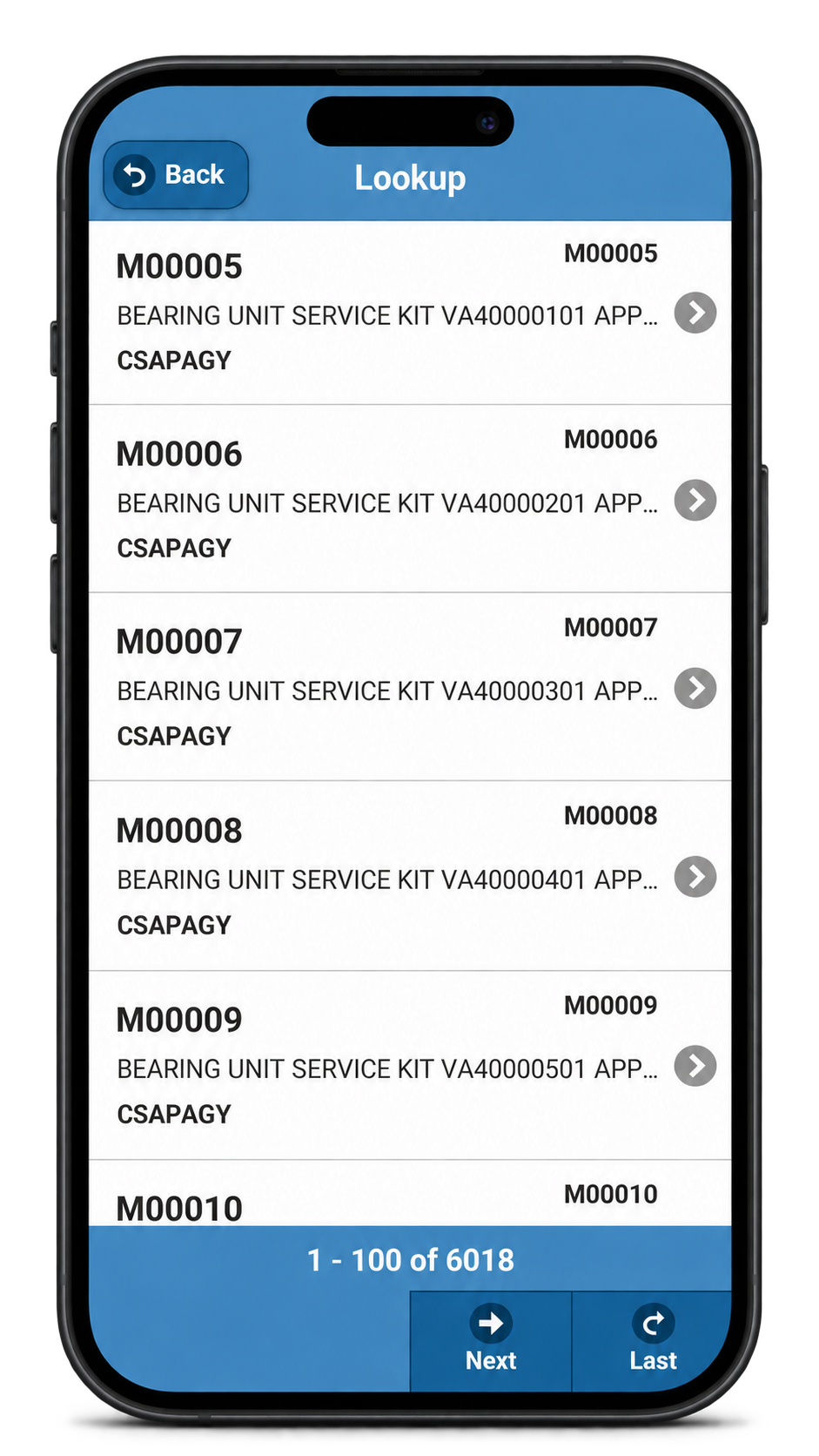
Choose capabilities by need
Extend maintenance management across your operation
Optional MAPCON add-ons, extensions, modules, and customizations support work on the plant floor, connected business systems, materials management, equipment insight, and administration.
Work from the plant floor
Take MAPCON to compatible smartphones and tablets with the MAPCON Mobile app.
Connect business systems
Link MAPCON CMMS with accounting, ERP, and other software systems.
Expand materials control
Add MRO purchasing and real-time inventory management capabilities.
Explore equipment data
Use equipment history, KPI reports, meter readings, gauge readings, inspection routes, and checklists to support maintenance decisions.
Adapt administration
Support reporting, system scheduling, attached records, dashboards, security settings, and personalized menus.
Mobile work and barcoding
Bring maintenance information to the point of work
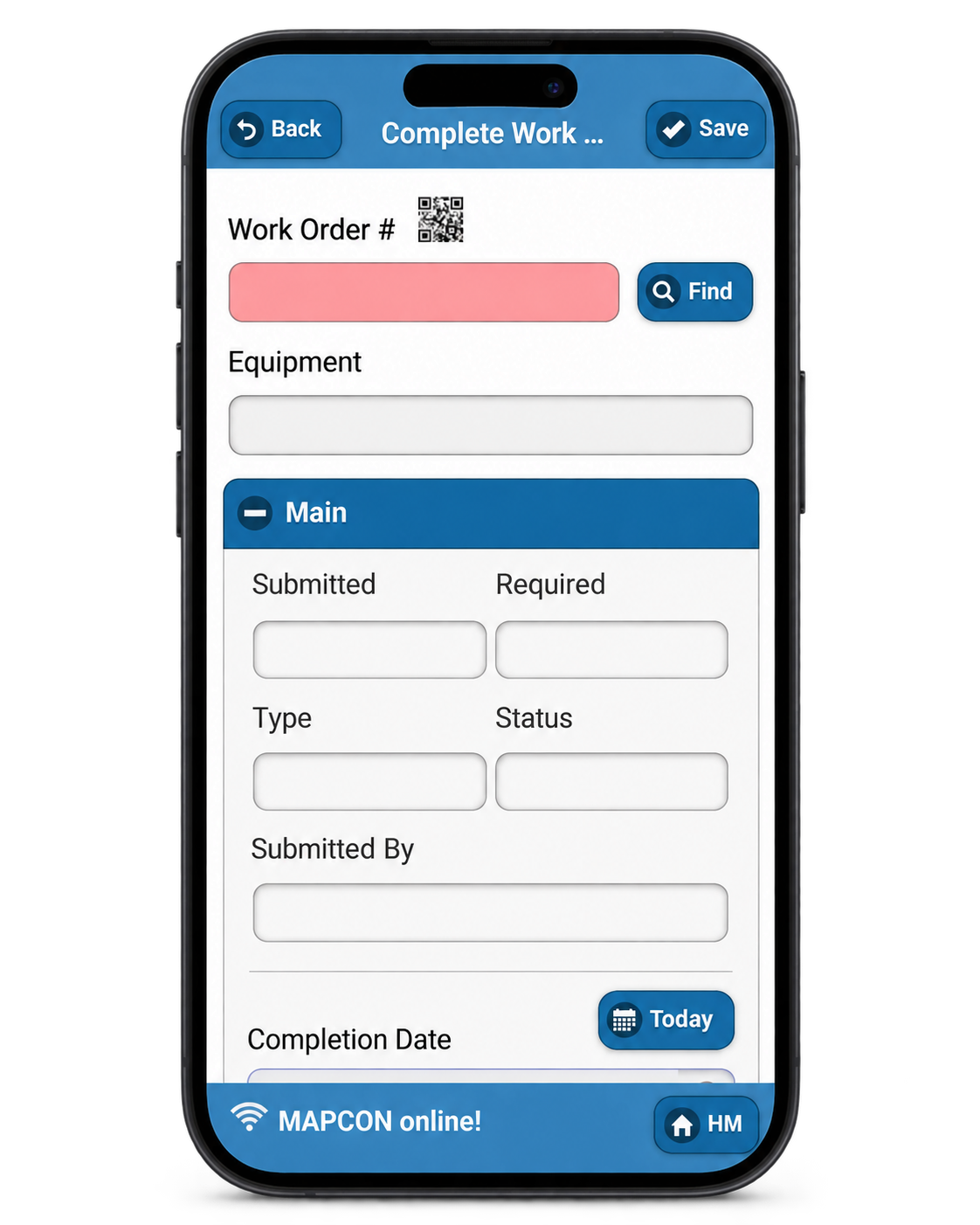
MAPCON Mobile brings CMMS tasks to compatible Android and iPhone smartphones or tablets. Teams can work with records away from a desk, while the Barcoding module provides a faster way to retrieve equipment and inventory information.
- Attach images and initiate or complete work orders
- Run reports from compatible mobile devices
- Scan barcodes for equipment IDs, repair history, inventory information, and specifications
Inventory and purchasing
Coordinate parts, vendors, and purchasing
Advanced Inventory and Advanced Purchasing extend MAPCON for organizations that need deeper materials control, from real-time inventory status and reorder points through requisitions and invoicing.
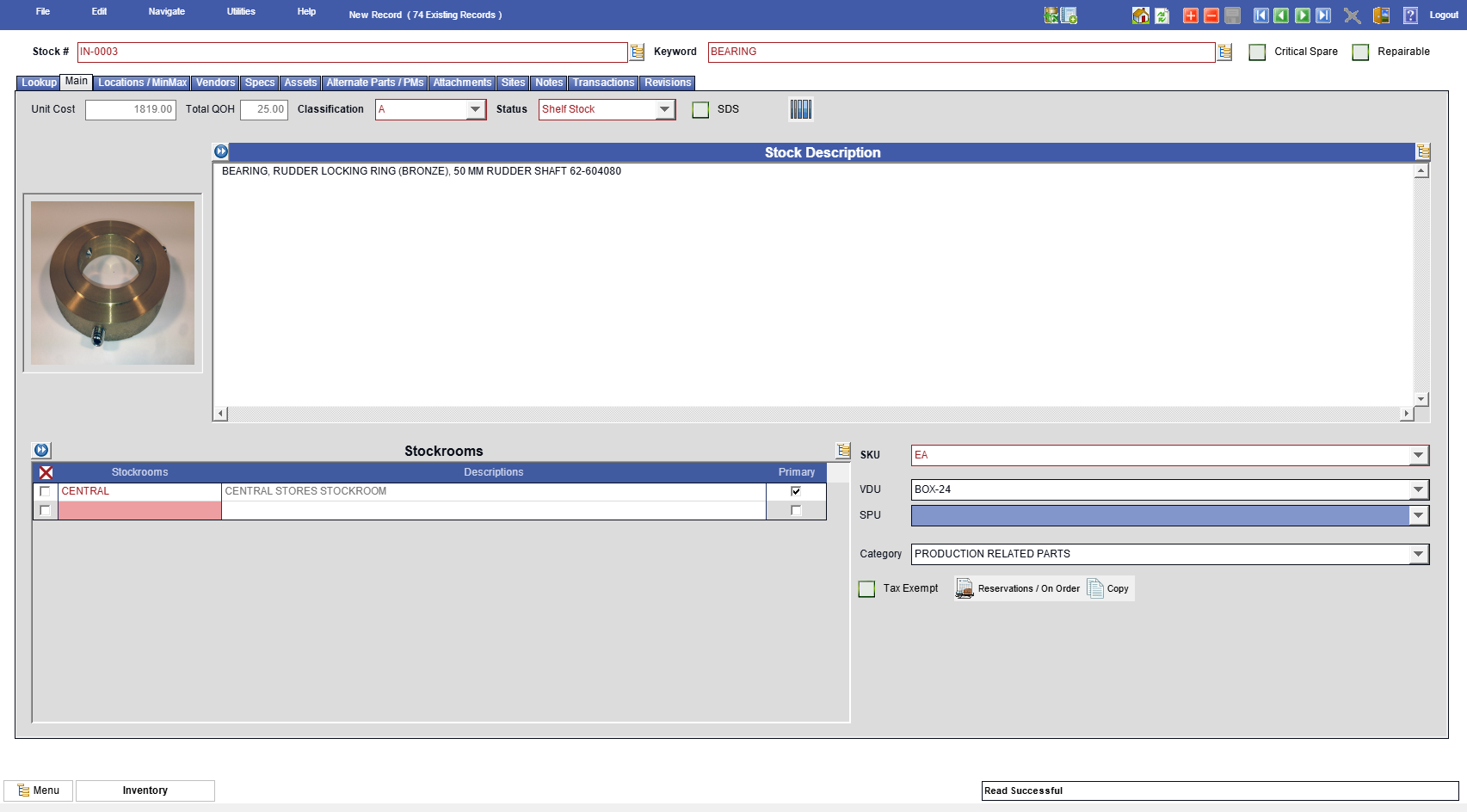
- Track parts and review current inventory status reports
- Manage vendors and establish smart reorder points
- Support purchasing from requisitions through invoicing
- Apply spending controls and shorten the purchase cycle
Connected and configurable management
Add control without forcing every operation into the same process
Additional modules support data exchange, administration, crew scheduling, service billing, equipment analysis, and system configuration. Select the capabilities that fit your organization rather than treating every module as a requirement.
- Transfer data between MAPCON and accounting, ERP, or other systems
- Automatically generate critical reports and work orders
- Assign and schedule crews and review employee efficiency
- Bill labor and parts and prepare customer quotes
- Personalize menus and create customized system reports
MAPCON Advanced Modules — Optional
Add value to your MAPCON CMMS with Advanced Modules
Every organization has different priorities and processes. Explore optional modules that extend MAPCON around the capabilities your operation needs.


Questions about MAPCON modules?
Talk with our staff about your operation
Please do not hesitate to contact our staff with questions or concerns. During the workweek, call 1-800-922-4336.
Frequently Asked Questions
What are MAPCON Advanced Modules?
MAPCON Advanced Modules are modular add-on extensions that allow organizations to expand their core CMMS with specialized capabilities like purchasing, HR scheduling, barcoding, and system utilities.
What features does the MAPCON Mobile module provide?
The MAPCON Mobile app module allows technicians to initiate, dispatch, and complete work orders on smartphones and tablets, scan barcodes, view manuals, attach camera photos, and update checklists offline.
How does the Work Order Resource Scheduler module work?
Included with the Advanced Human Resources module, the Resource Scheduler provides a drag-and-drop, calendar-based interface to easily assign maintenance tasks to technicians based on shift, craft, and availability.
What is the purpose of the MAPCON Interface Module?
The Interface Module automates data transfers between MAPCON CMMS and external corporate software, such as accounting platforms, ERPs, and inventory management databases.
Do I need to buy all modules when purchasing MAPCON?
No, MAPCON’s modular structure allows you to select and pay only for the specific add-on capabilities your team needs, leaving out unneeded features to keep costs minimal.
Related resources